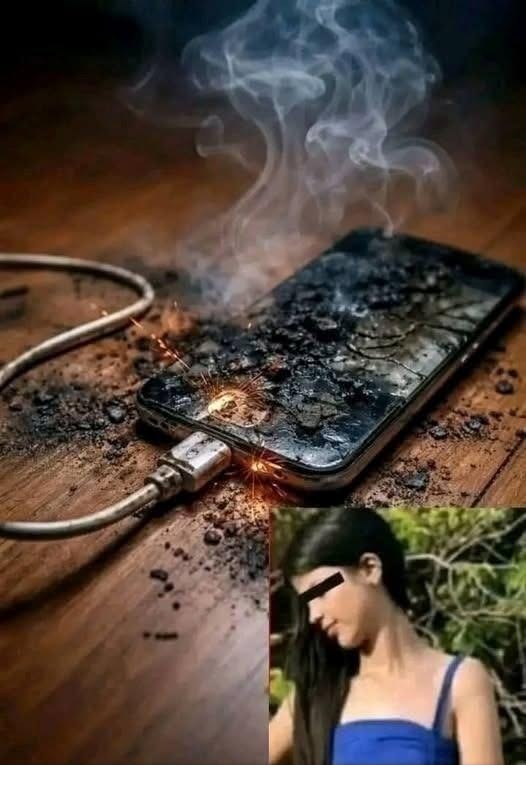
Warning: Never Put Your Charger Like This While Charging
You plug in your phone, place it beside you, and perhaps tuck it under a pillow or blanket so the screen doesn't bother you.
But that simple habit can create a serious problem.
Charging a phone or other electronic device under a pillow, blanket, on a bed, or beneath other soft materials can trap heat around the device and charger. Electrical Safety First specifically advises charging devices on a hard, stable, flat surface rather than on beds or other soft furnishings.
The Problem Isn't Just the Charger
Modern phones and their batteries naturally produce some heat while charging.
Under normal conditions, that heat can dissipate into the surrounding air.
But when a charging device is covered by a pillow, blanket, clothing, or other soft material, airflow can be restricted. That can allow heat to build up.
The National Fire Protection Association similarly recommends charging devices on a hard, flat surface because soft surfaces can trap heat and block airflow.
Never Charge Your Phone Under Your Pillow
This is one of the easiest habits to change.
You may want your phone close by overnight, but placing it underneath your pillow while connected to a charger isn't a safe charging arrangement.
Electrical Safety First recommends keeping phones and tablets uncovered and charging them on a hard, stable surface. It also advises against charging devices on beds or under pillows while sleeping.
A bedside table or another suitable hard surface is a much better choice.
It's not only the phone that needs ventilation.
The charger and cable should also remain uncovered while they're operating.
Avoid wrapping the charger in bedding, clothing, towels, or other materials. Keeping the charging setup exposed allows heat to dissipate normally.
If the charger or phone becomes unusually hot, stop using it and investigate the problem rather than continuing to charge it.
A cable that has become frayed, cracked, crushed, or exposed should not simply be wrapped with tape and put back into daily use.
Electrical Safety First recommends regularly checking charging cables, plugs, and sockets for damage, scorch marks, loose components, or other warning signs.
If you notice smoke, sparking, unusual smells, swelling, or excessive heat, unplug the equipment when it is safe to do so and stop using it.
Cheap Chargers Can Create Additional Risks
Another important part of charging safety is choosing the right equipment.
Counterfeit or substandard chargers may not have adequate safety components. Electrical Safety First has documented serious safety problems with counterfeit and lookalike chargers, including risks of electric shock and fire.
The safest approach is to use the charger supplied with your device or one specifically approved by the manufacturer, purchased from a reputable retailer.
Many people plug their phone in before going to sleep and leave it charging until morning.
Safety organizations advise avoiding unnecessary unattended or overnight charging. Electrical Safety First recommends not charging USB devices overnight or while you are away from home.
If you need to charge your phone overnight, keeping it uncovered on an appropriate hard surface is still preferable to placing it under bedding.
A few simple habits can make charging safer:
Charge phones and tablets on a hard, flat surface.
Keep the device and charger uncovered.
Never place a charging phone under a pillow or blanket.
Keep chargers away from water and excessive heat.
Inspect cables and plugs regularly.
Replace damaged chargers or cables.
Use compatible chargers from reputable manufacturers or retailers.
Unplug equipment when charging is complete when practical.
Stop using a device that becomes unusually hot, swells, smokes, sparks, or develops an unusual smell.
What If Your Phone Gets Very Hot?
A little warmth during charging can be normal.
But if a phone becomes too hot to handle, that's different.
Electrical Safety First recommends stopping use and unplugging the device if it becomes excessively hot. A swollen or visibly damaged battery should also be treated seriously.
Don't attempt to open or repair a damaged lithium-ion battery yourself.
You don't need to be an electrical expert to remember the most important rule:
Charge your device where air can circulate around it.
And not on a soft surface that can trap heat.
A small change in where you place your phone while it charges can eliminate an unnecessary safety risk.
The next time you plug in your phone, take a quick look at where you've placed it.
If it's sitting on a hard, stable, uncovered surface, you're already following a much safer charging practice.


0 commentaires:
Enregistrer un commentaire